Look before you press
There is no beat timer. Check the uncovered tiles before choosing a key.

Find an uncovered tile, then press its matching piano key. Each match plays the next note of the melody.
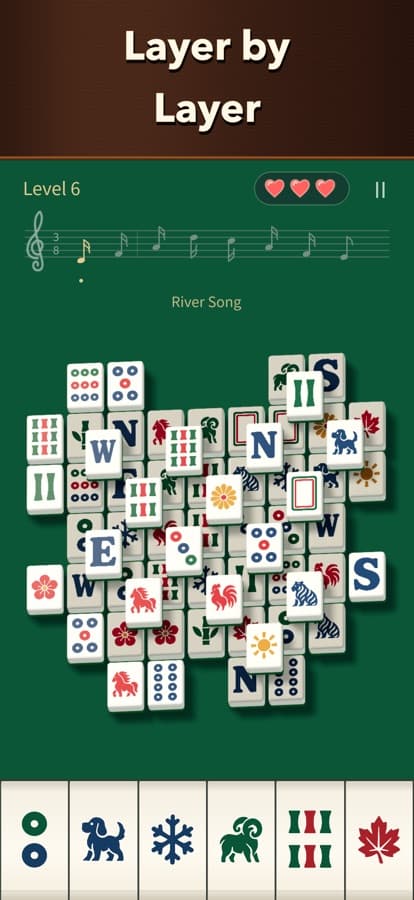
Look for an uncovered mahjong tile in the board above.
Tap the matching tile on a piano key below.
Clear the middle tiles to complete the performance.
There is no beat timer. Check the uncovered tiles before choosing a key.
Removing a tile reveals what is underneath. Use the new choices to plan your next match.
Mahjong Piano is available on the App Store for iPhone and iPad.
Yes. The released iOS game supports offline play without an account.
No. The next note plays when you make a match. There is no beat timer.